Seasonal playbooks from Black Friday to Mother's Day, and how-to guides for discount links, subscriptions, QR codes and creator tracking with Cart Rocket.
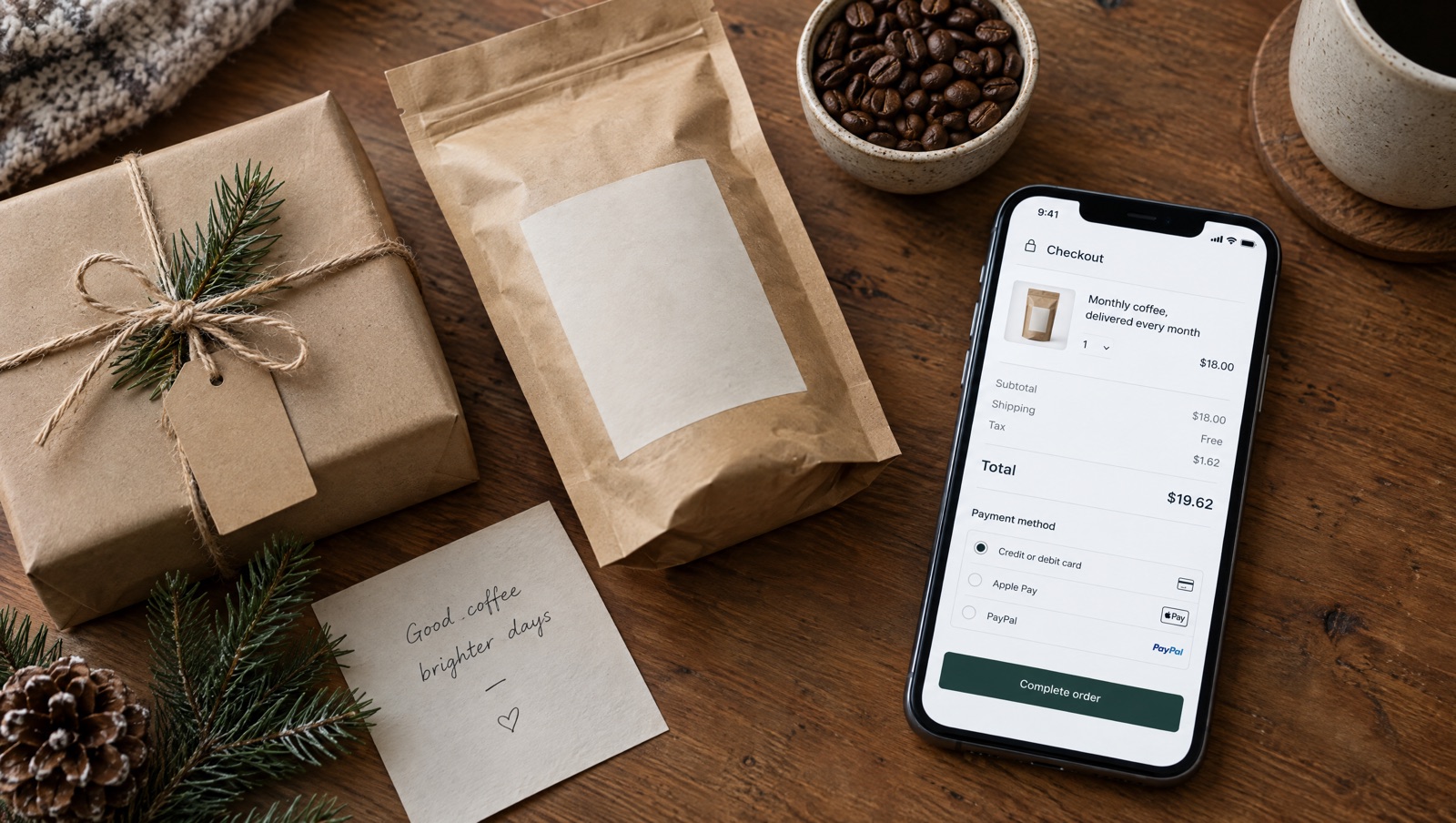
Put a subscription plan in the cart for Christmas gift buyers, add a one-time gift box link, count down to your own shipping cutoff and be clear about billing and addresses.
Read the playbook →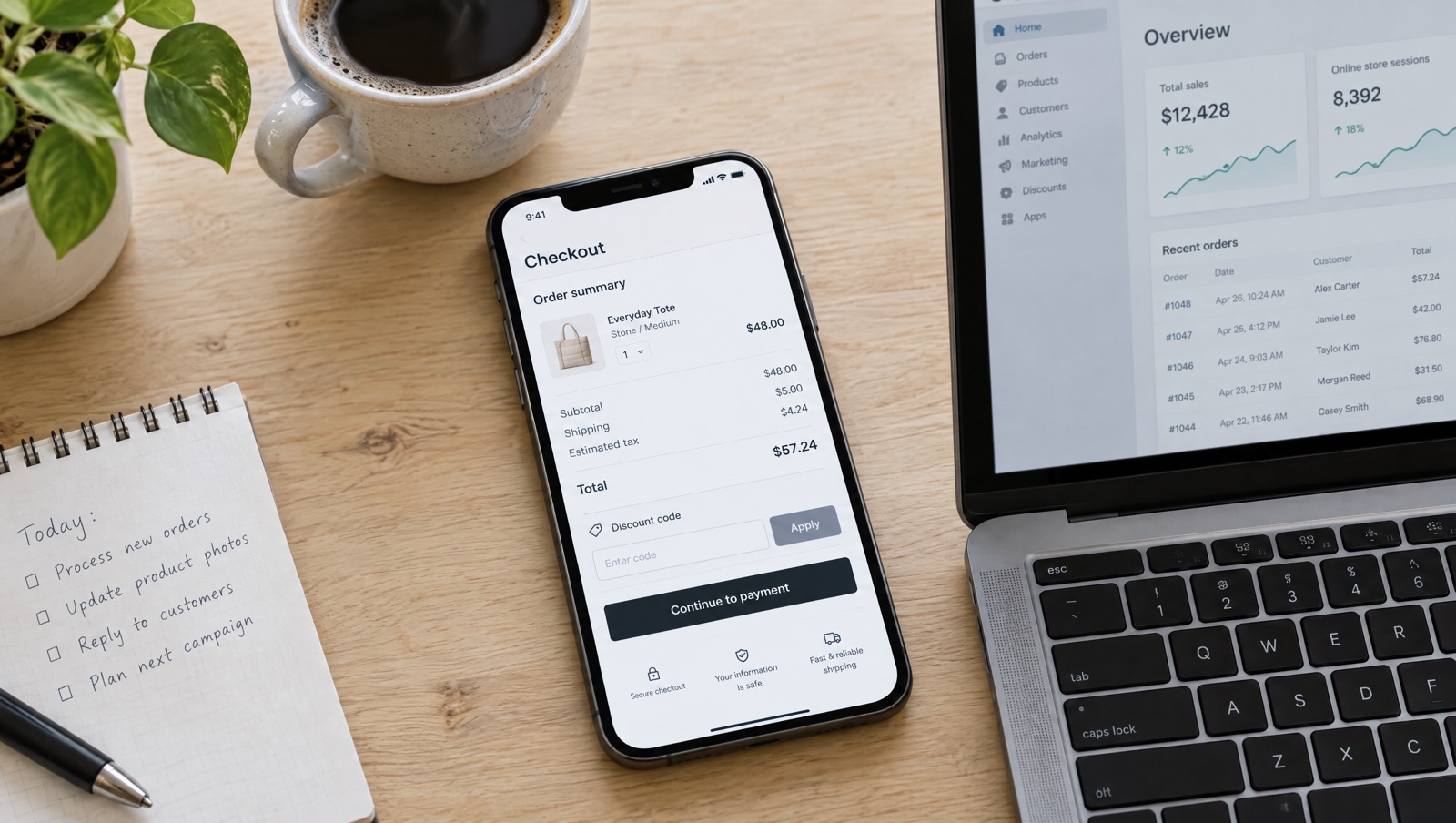
A discount link opens but the price doesn't change? The usual causes for Shopify shareable discount links and cart permalinks, from Shopify's docs, and how Cart Rocket applies discounts.
Read the guide →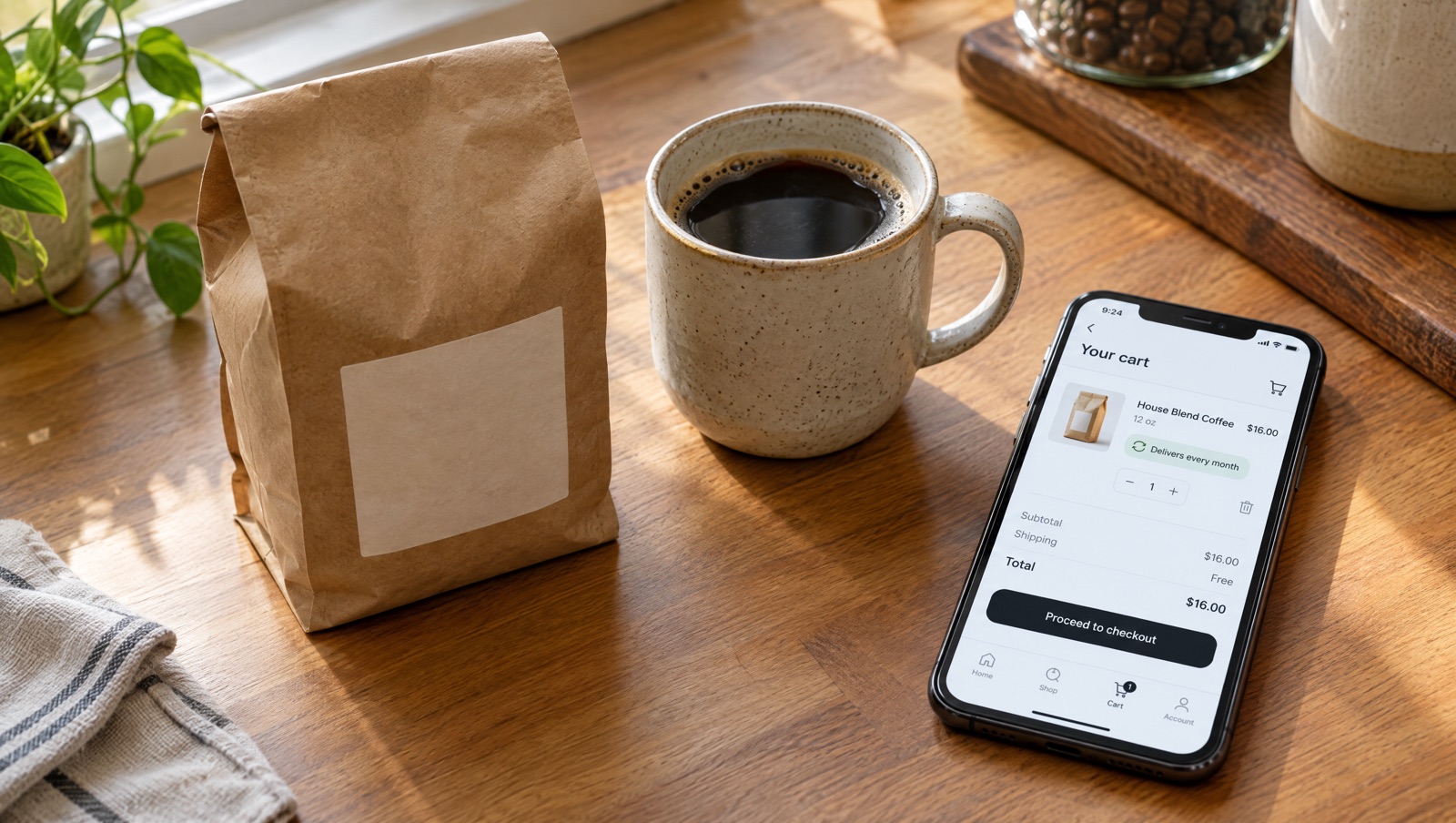
Shopify cart permalinks can't carry selling plans. The workaround merchants share, and how to add a subscription product to a Cart Rocket link with the Purchase option menu.
Read the guide →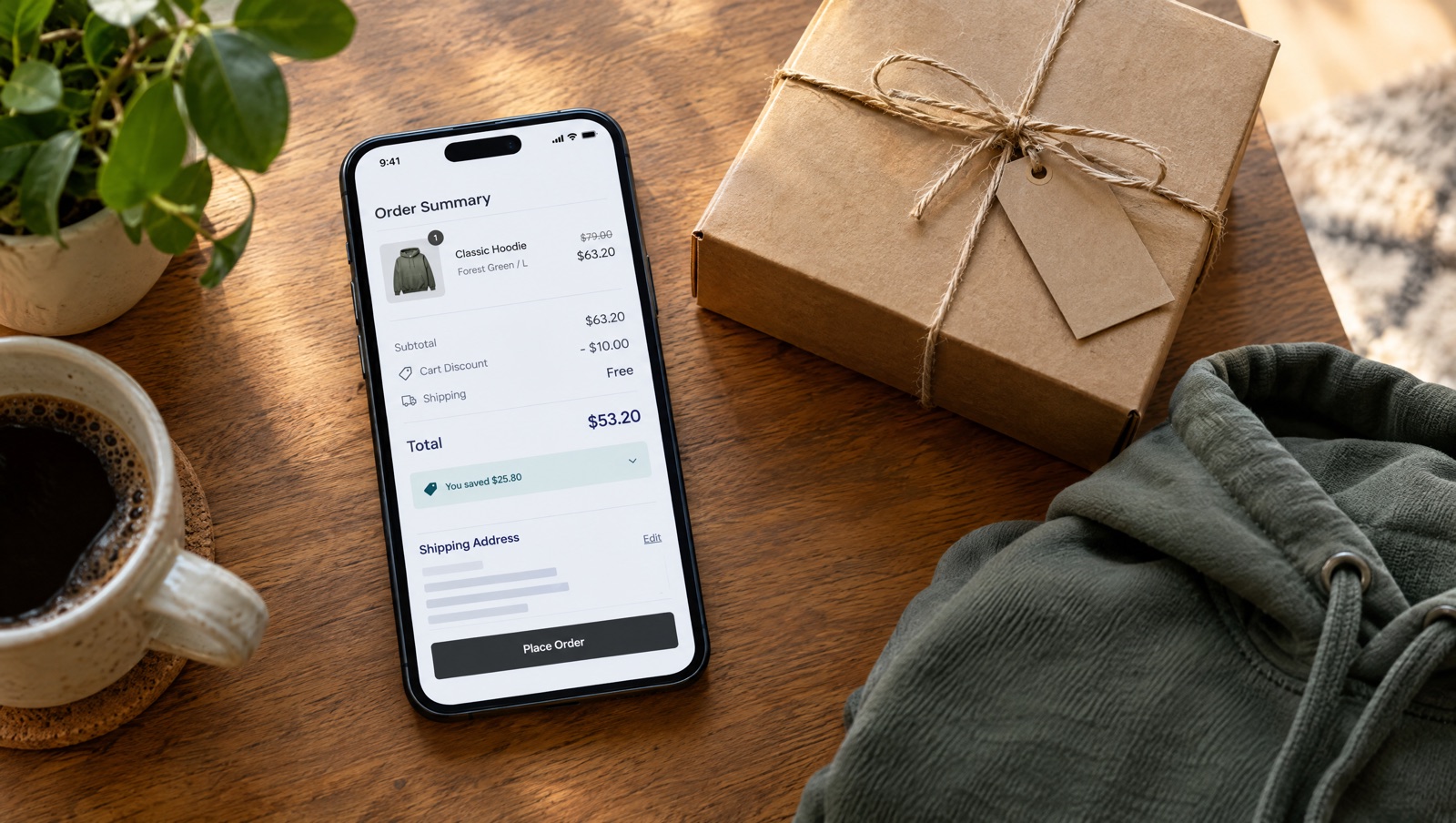
Money off a product, free shipping and a cart-wide discount on one link. Shopify's combination rules, what native links can carry, and the Cart Rocket setup.
Read the playbook →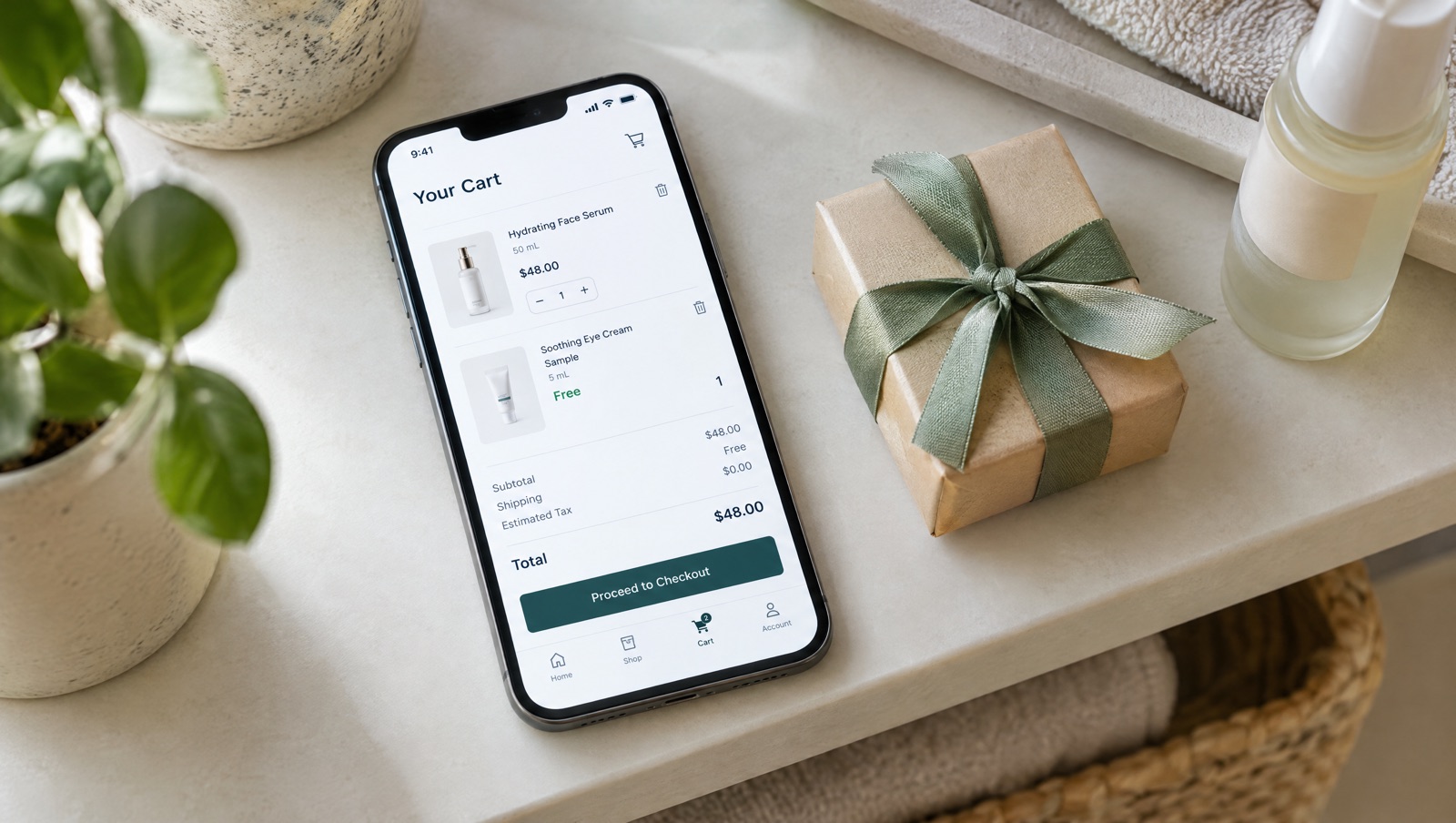
Shopify's Buy X get Y never adds the free item to the cart. Send one link that loads the product and the gift, with the gift already free, and keep it from being checked out alone.
Read the guide →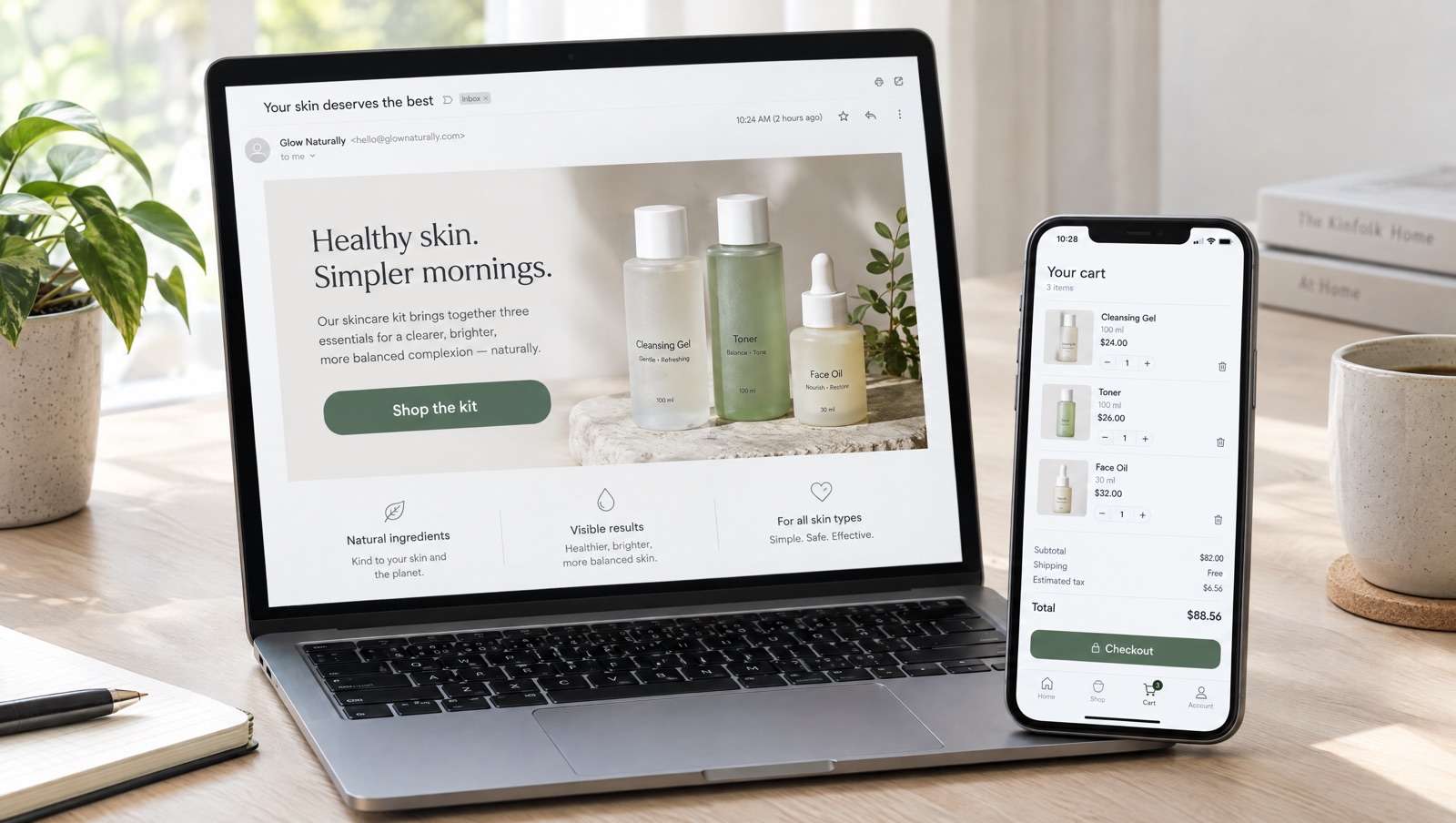
One email button that loads a whole kit into the Shopify cart, or rebuilds each customer's last order. When a free permalink is enough and when a cart link or reorder link helps.
Read the guide →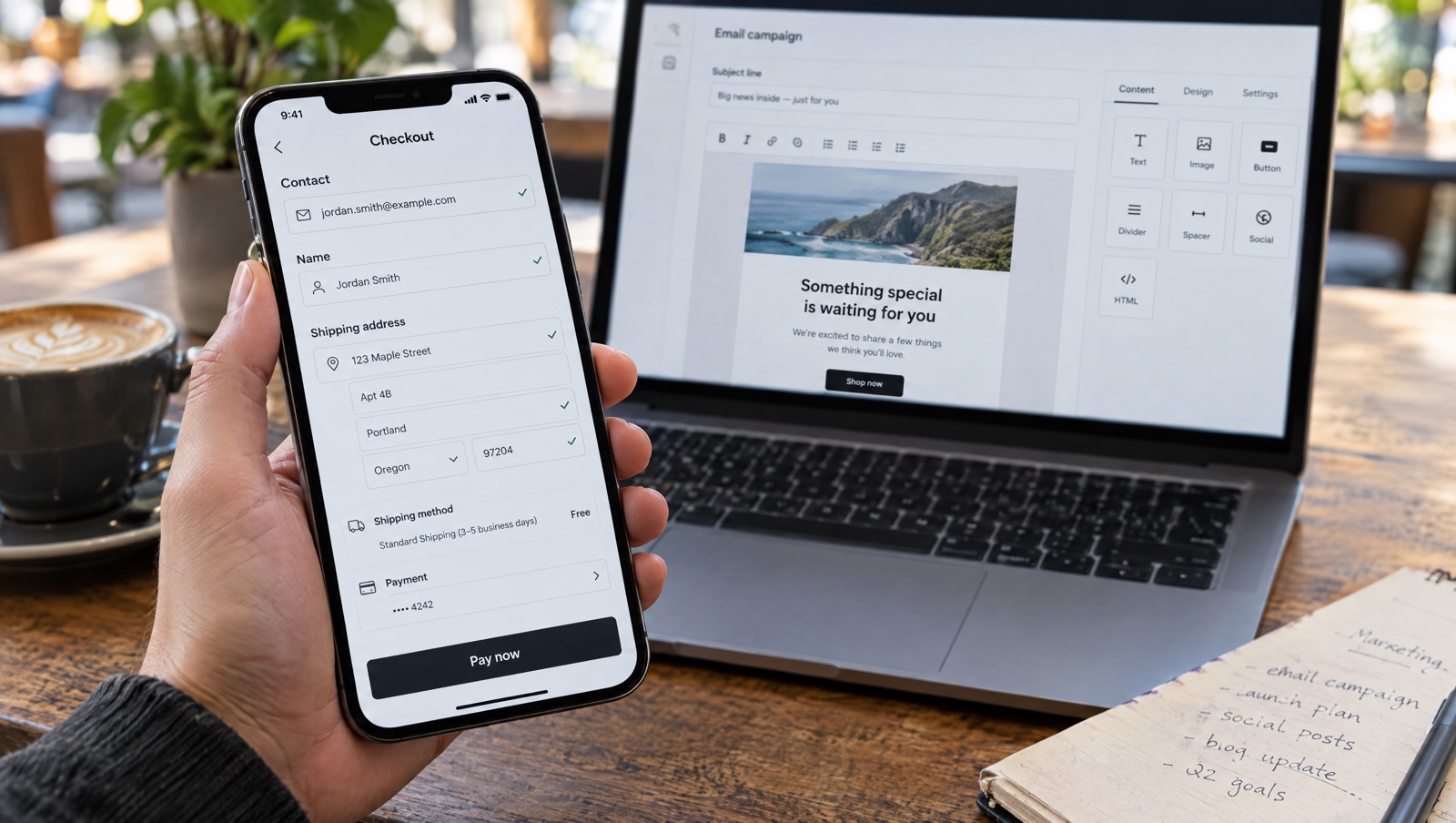
Fill in a shopper's email, name, address or phone at Shopify checkout from your email or SMS merge tags. Link format, a Klaviyo example, the permalink alternative and when not to use it.
Read the guide →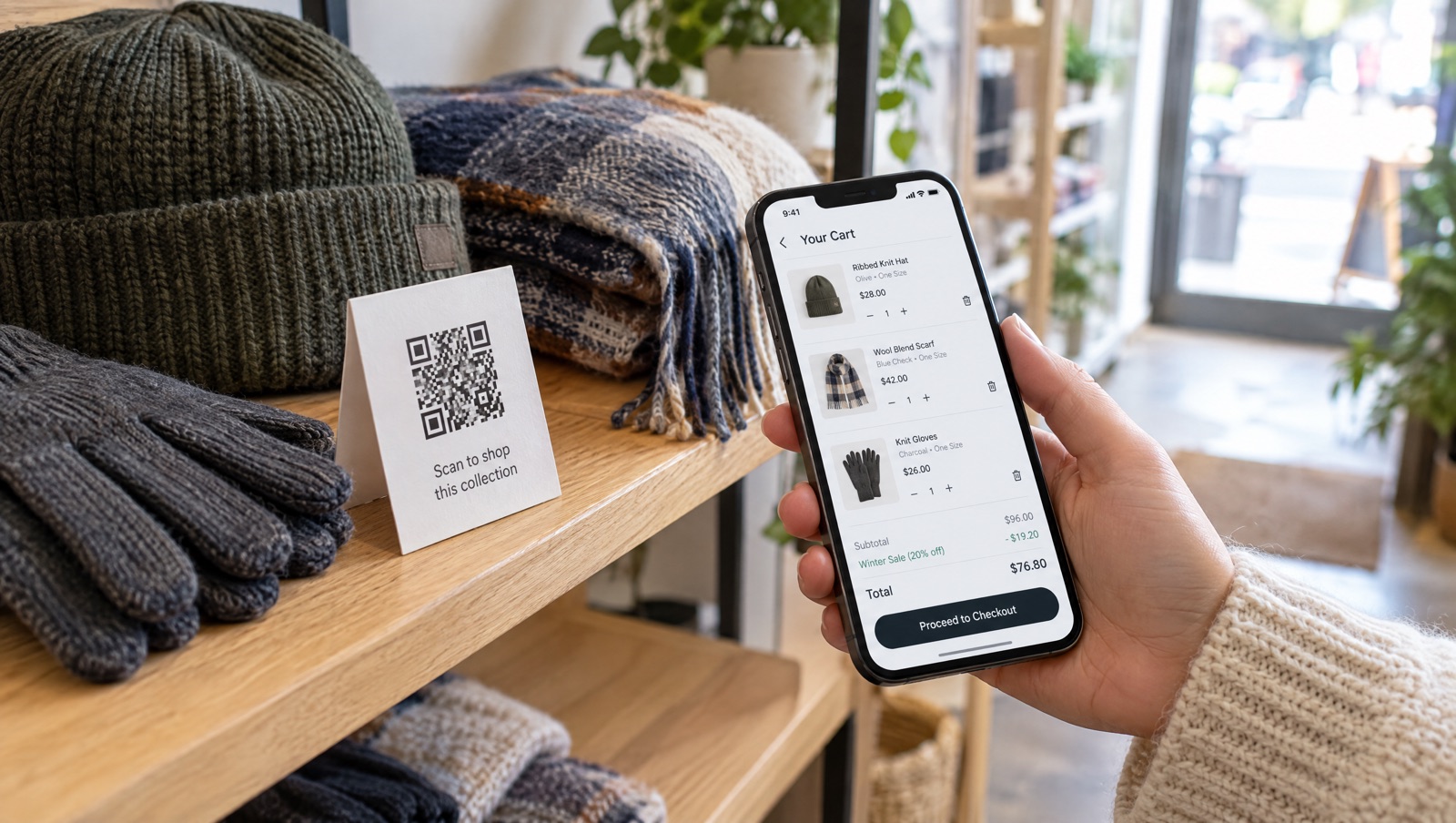
A QR code on packaging, shelf signs or event tables that loads several products with the discount applied, compared with Shopify Shopcodes and discount QR codes.
Read the guide →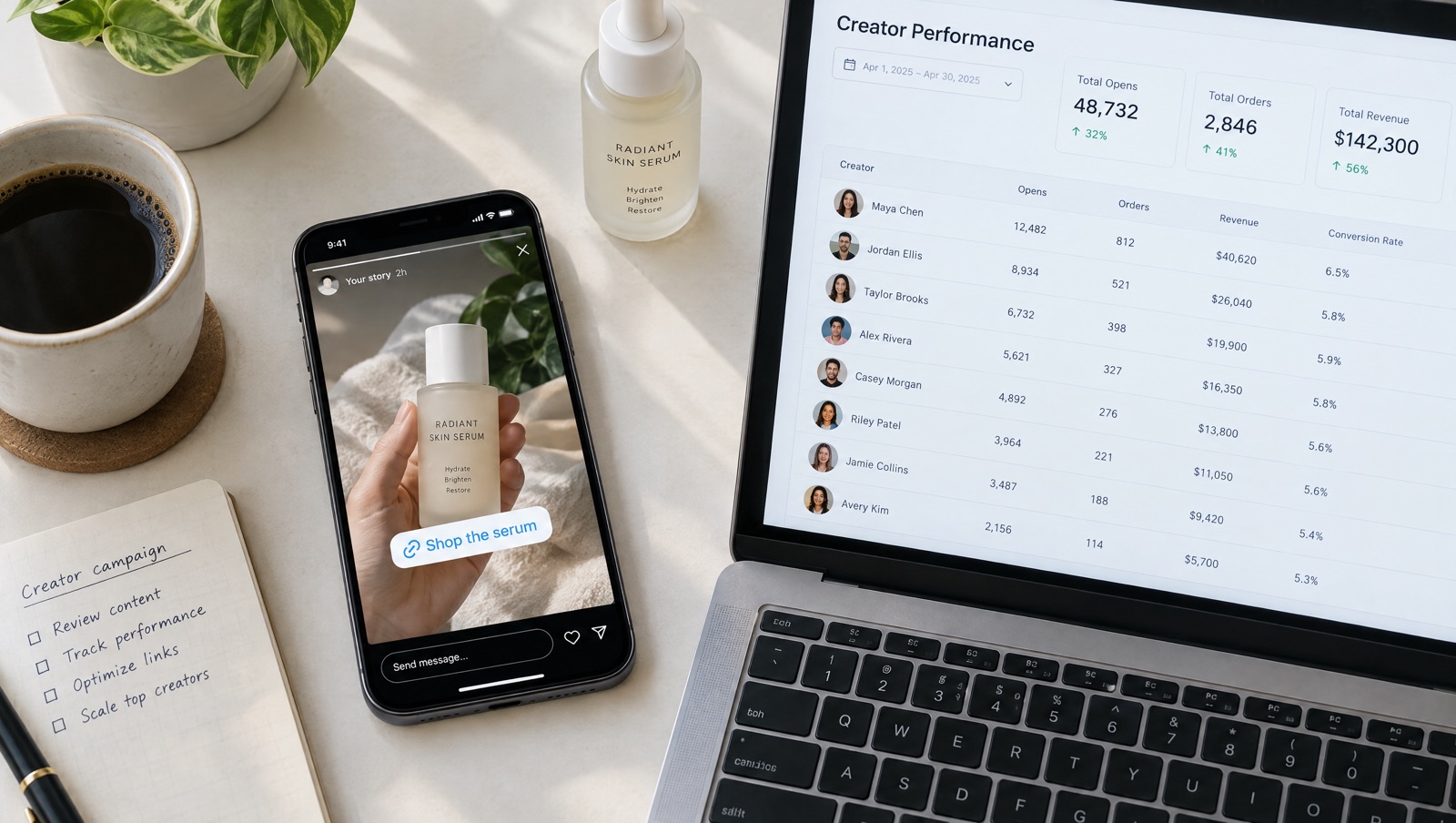
Give each creator a ?ref= code on one cart link and see opens, orders and revenue per creator, with tagged orders in Shopify, instead of counting code redemptions.
Read the guide →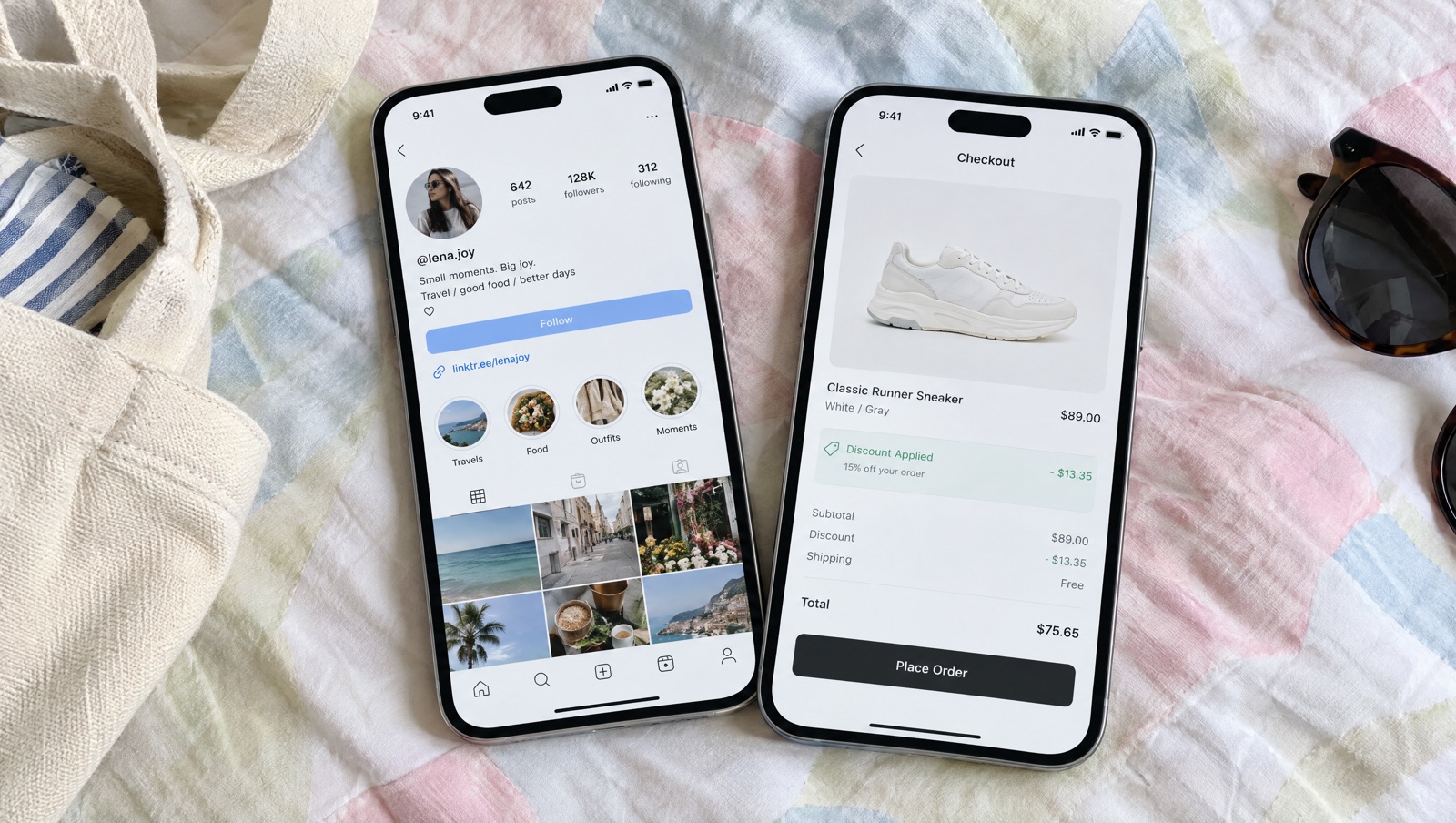
Use one short cart link for bio links, stories and ads, land shoppers in a loaded cart or Shop Pay, and compare channels with UTMs in Analytics.
Read the guide →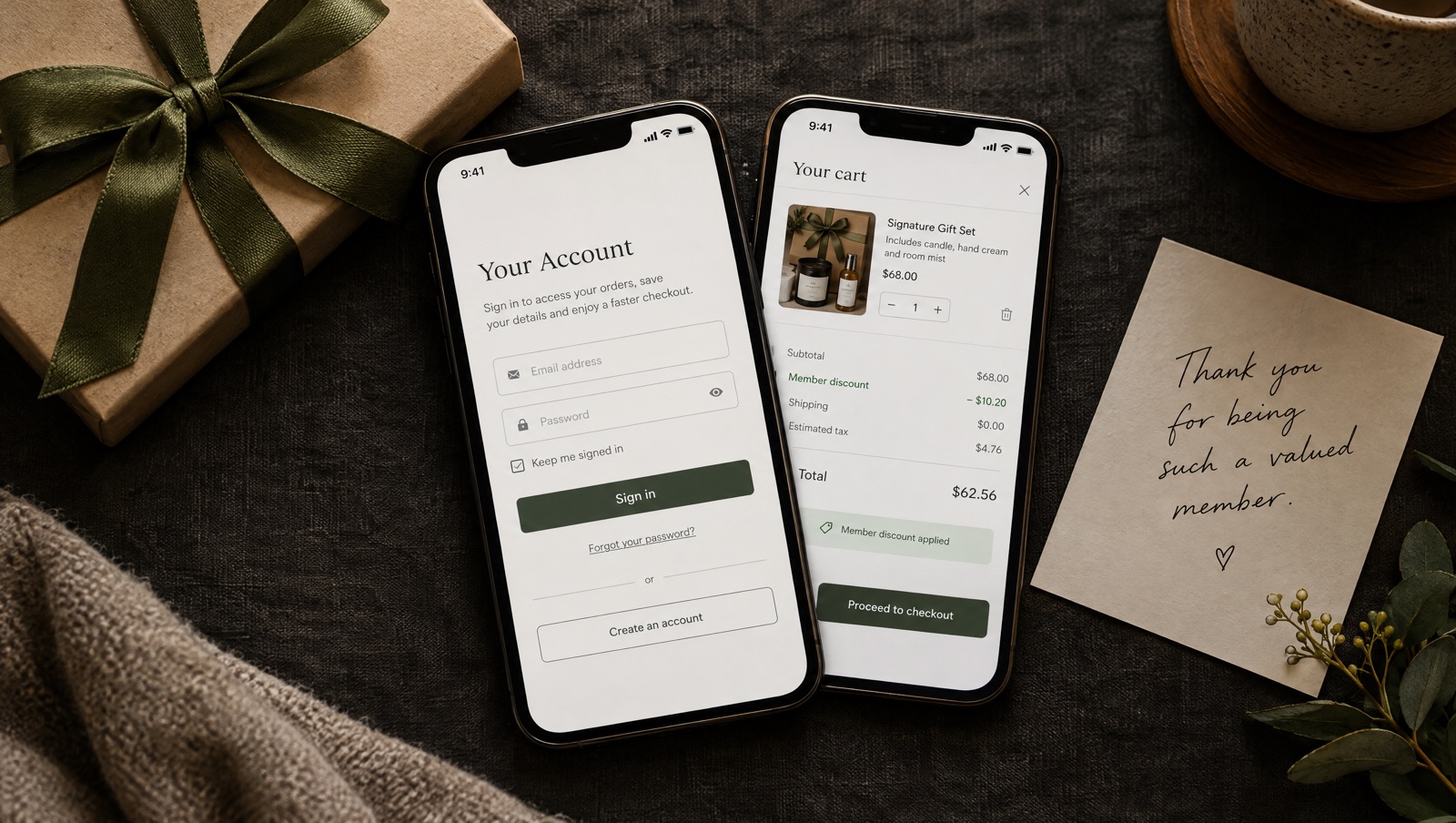
Limit a cart link to Shopify customer segments or chosen customers, cap purchases per customer and overall, and reset the counters for the next round.
Read the playbook →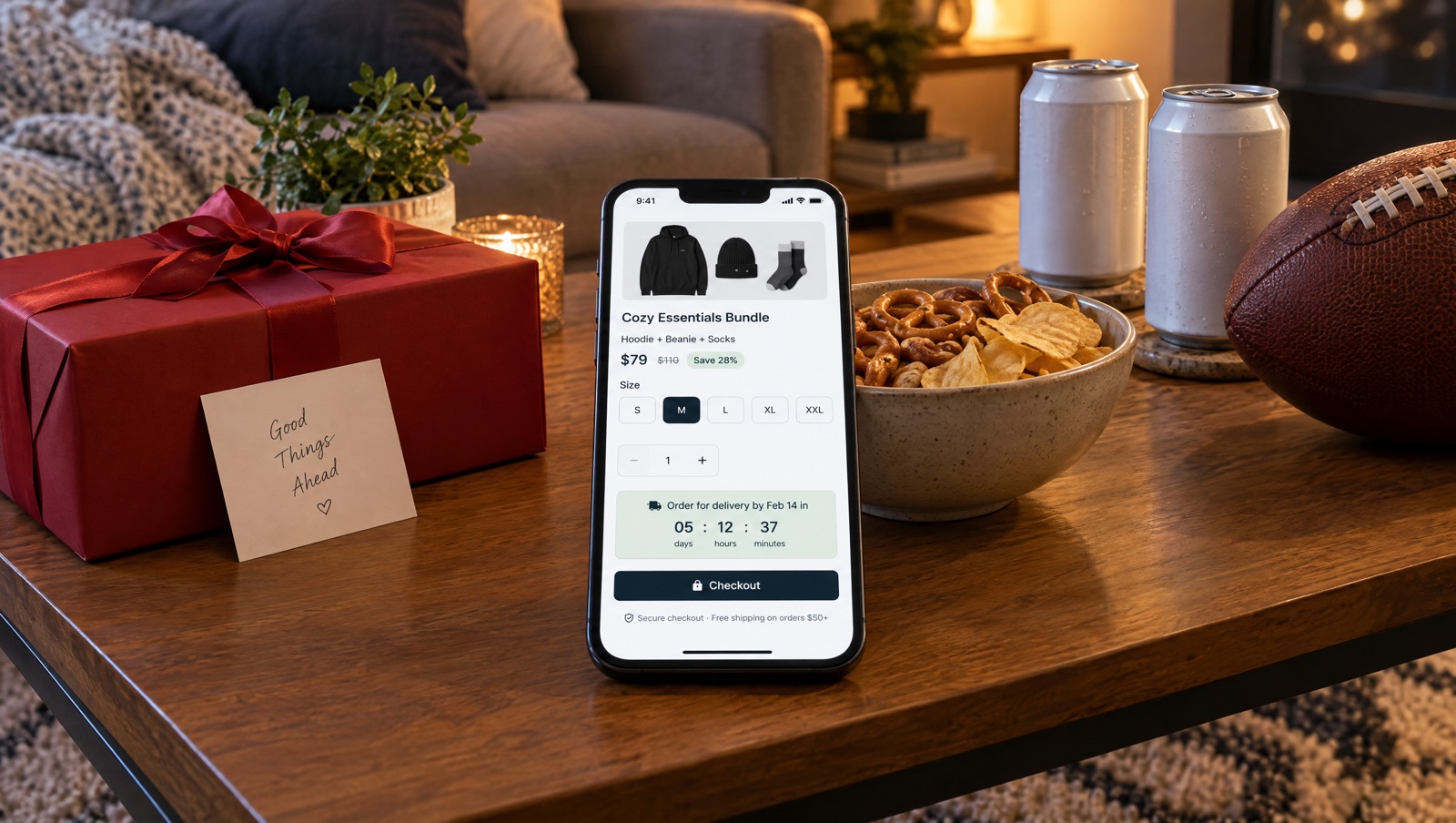
Valentine's Day and Super Bowl LXI share Sunday, February 14, 2027. Run a gift bundle link and a game-day link with their own dates, countdowns, UTMs and order tags.
Read the playbook →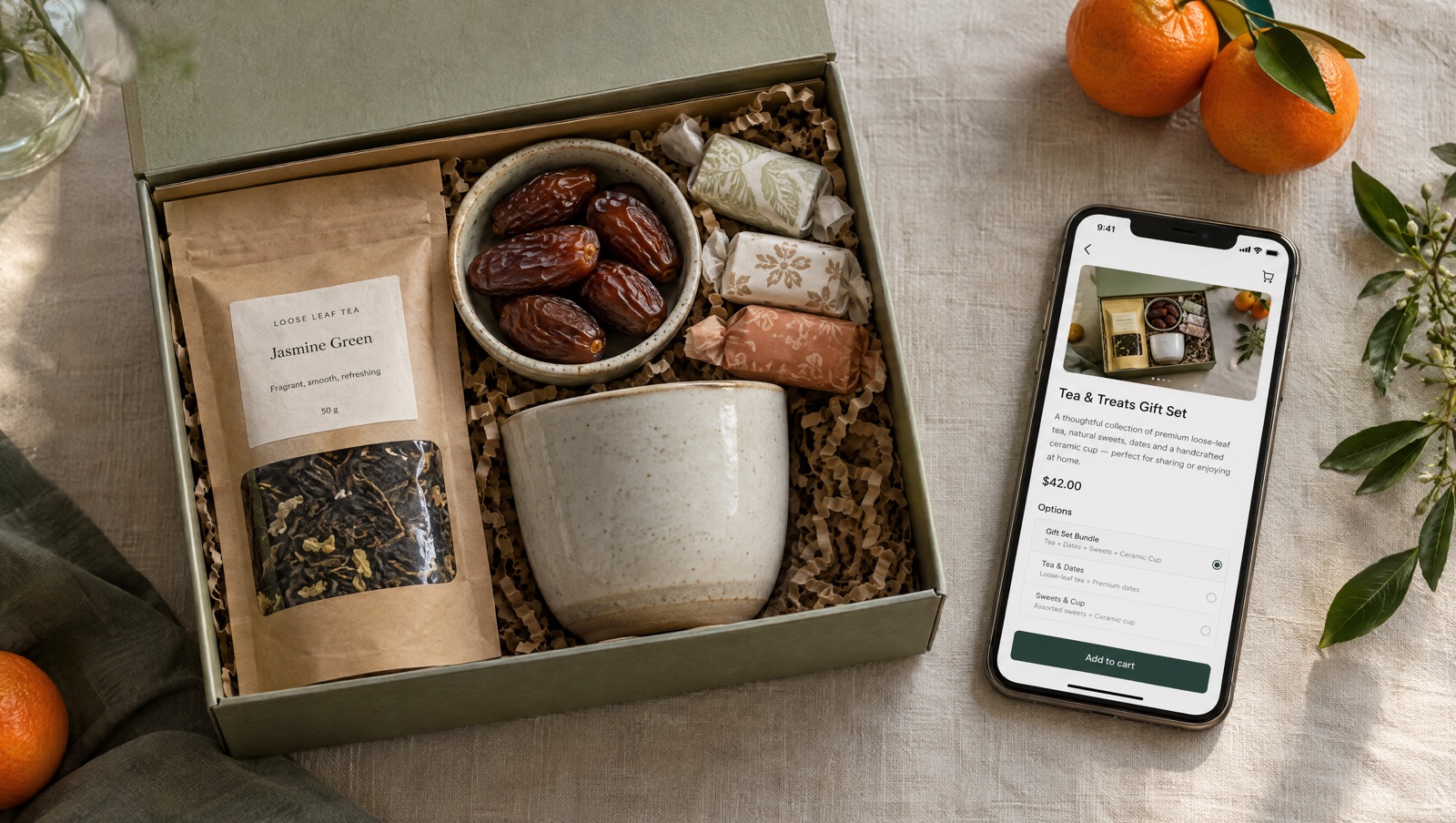
Lunar New Year is February 6, 2027, and Ramadan is expected to start around February 8. Plan gift set links around shipping cutoffs, since Eid depends on moon sighting.
Read the playbook →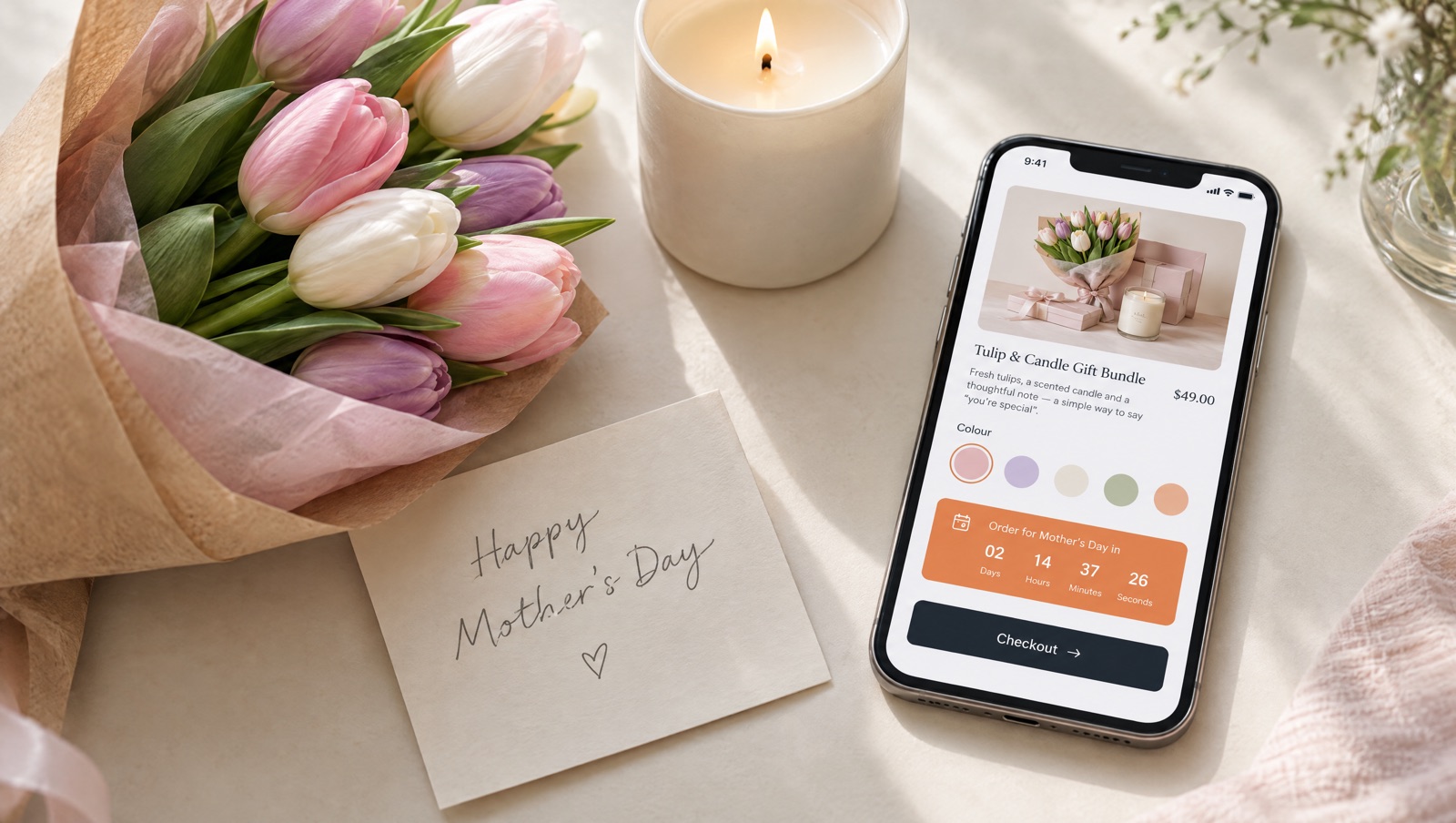
UK Mothering Sunday is March 7, 2027, and US Mother's Day is May 9. Count down to your own delivery cutoff, sell a gift bundle and give creators their own code.
Read the playbook →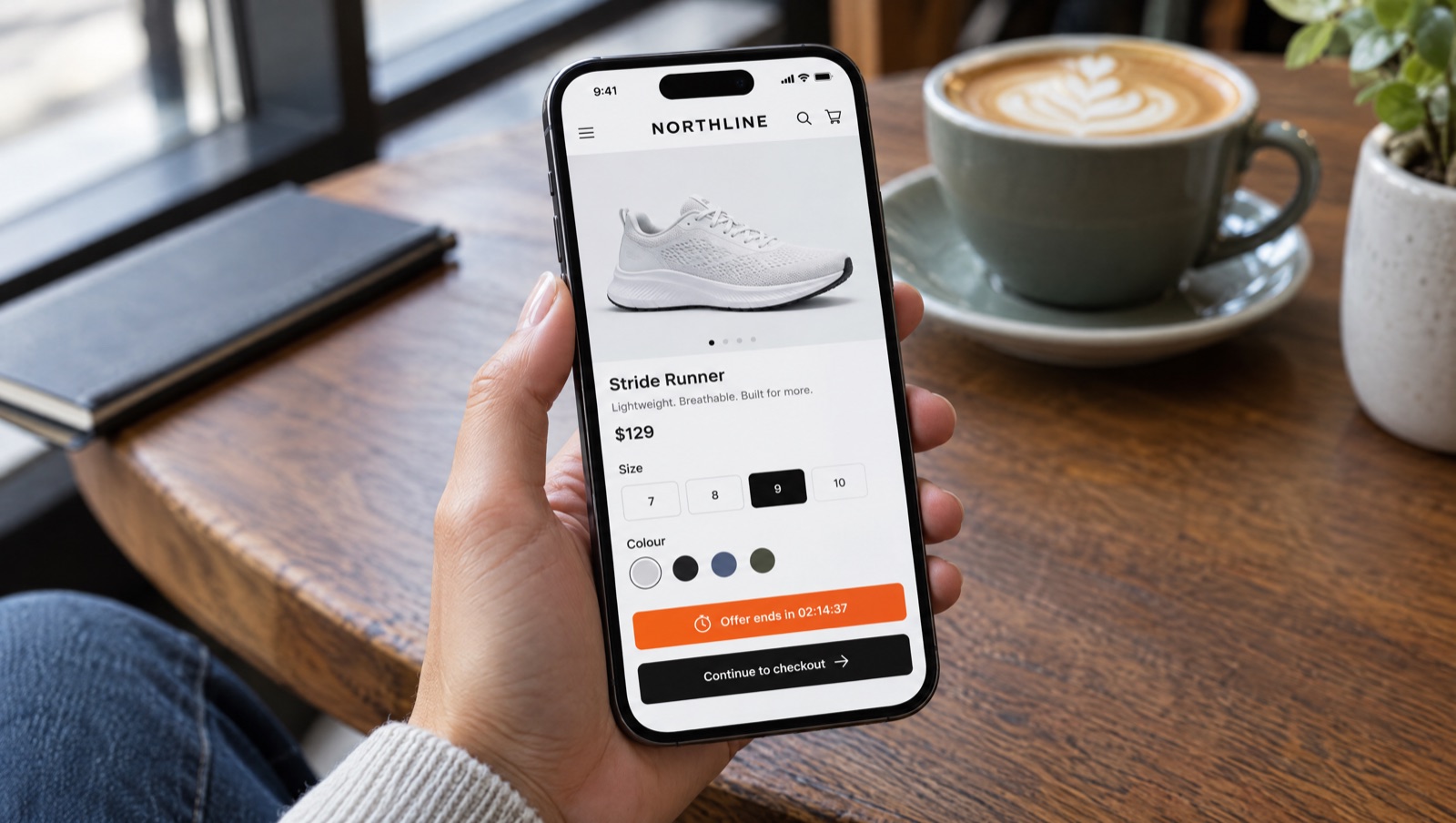
Show a timer on the options page that ends at your offer's real deadline. When it helps, how to set it up and what shoppers see when it reaches zero.
Read the guide →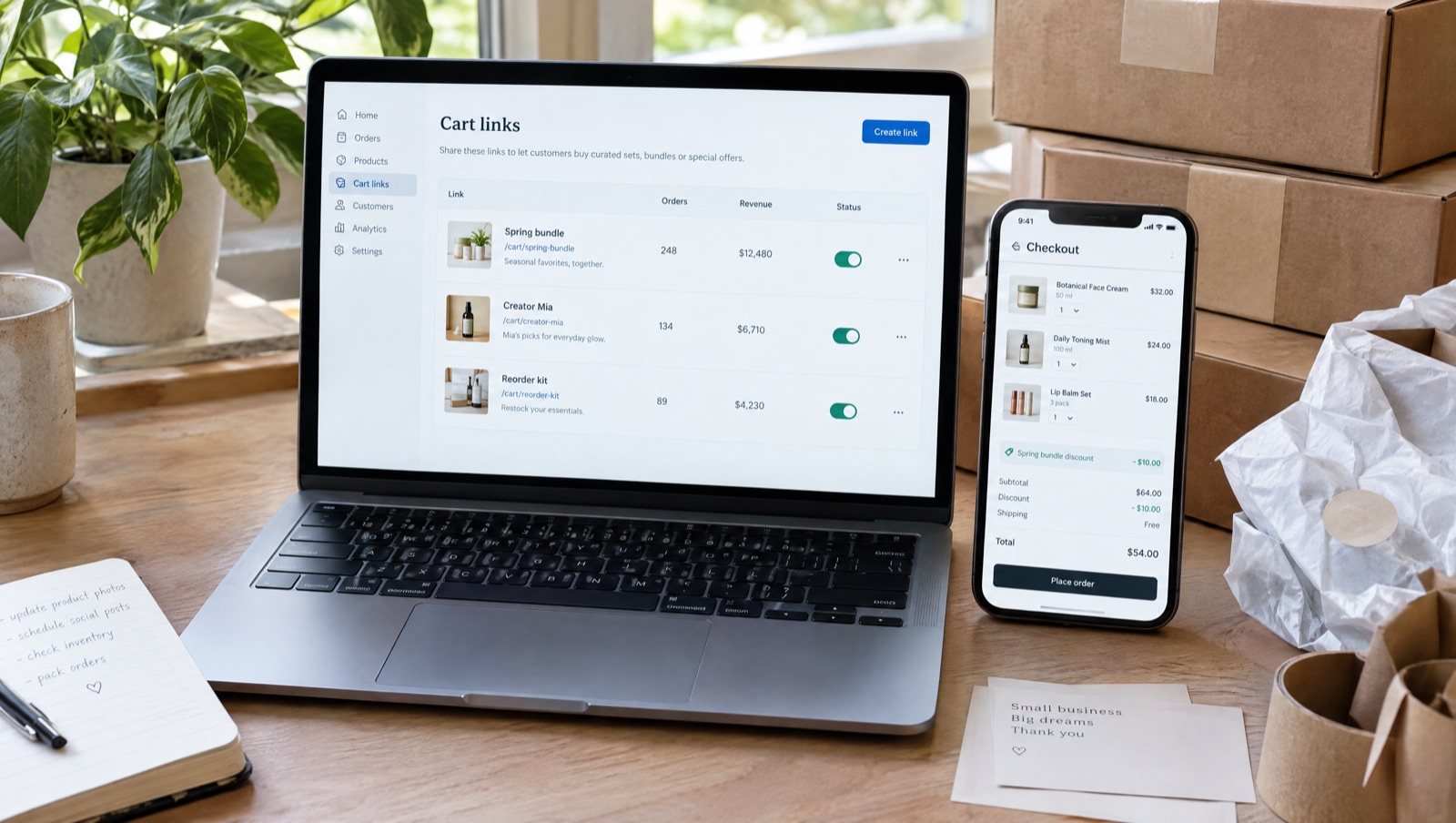
Let shoppers pick size or colour on an options page with an optional countdown, give each creator a code on one cart link, add subscriptions, rebuild a customer's last order and fill in checkout from your email or SMS tool.
Read the update →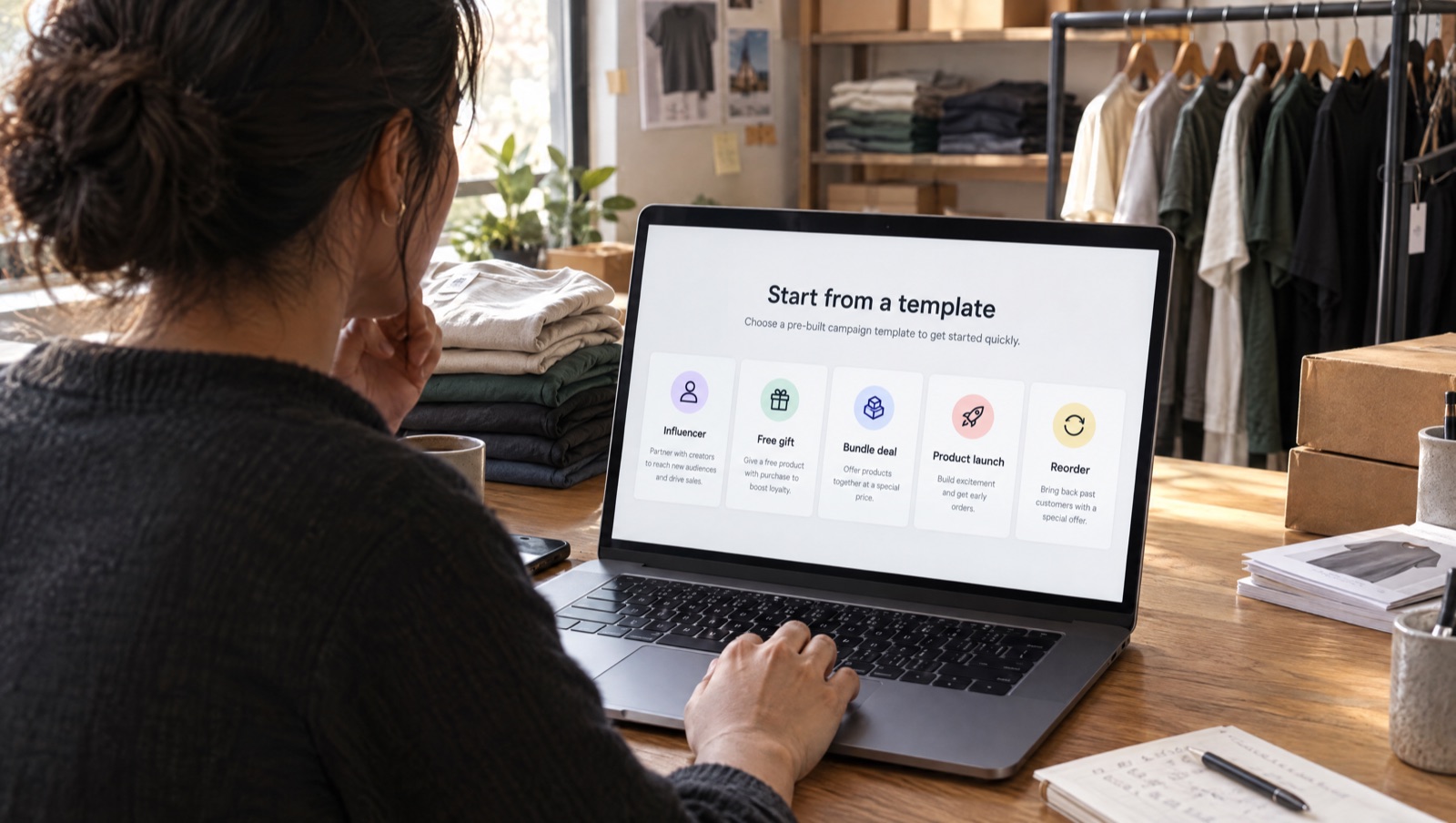
What the Influencer, Free gift, Bundle deal, Product launch and Reorder templates fill in, when to use each one and what to change before you save.
Read the guide →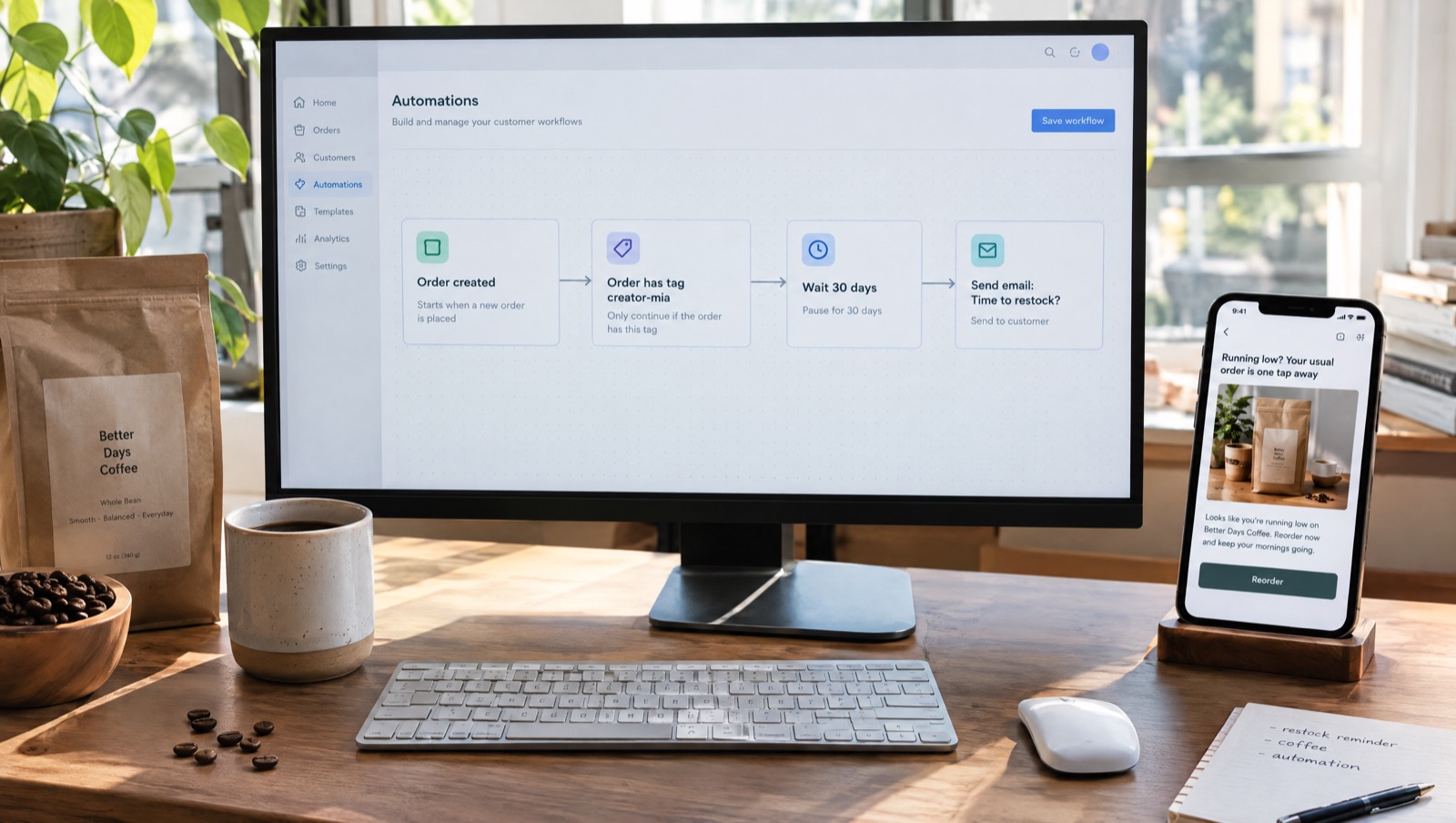
Use Cart Rocket's order tags and creator tags with the Shopify Flow recipes on the Automations page: cart recovery, high-value carts, reorder reminders and creator gifts.
Read the guide →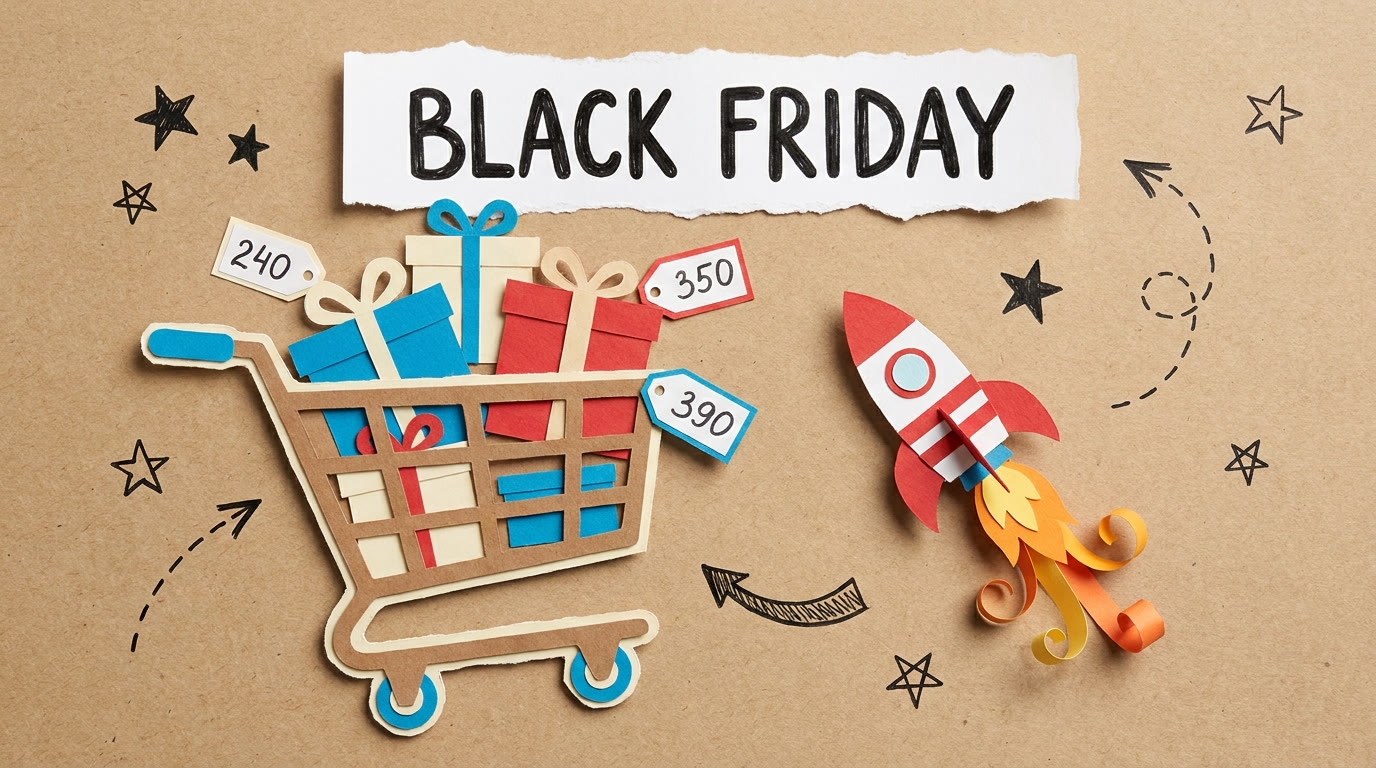
Which Black Friday campaigns should open a preloaded cart, which landing mode fits each channel, how Tag orders and Checkout details help, and what to test before peak week.
Read the playbook →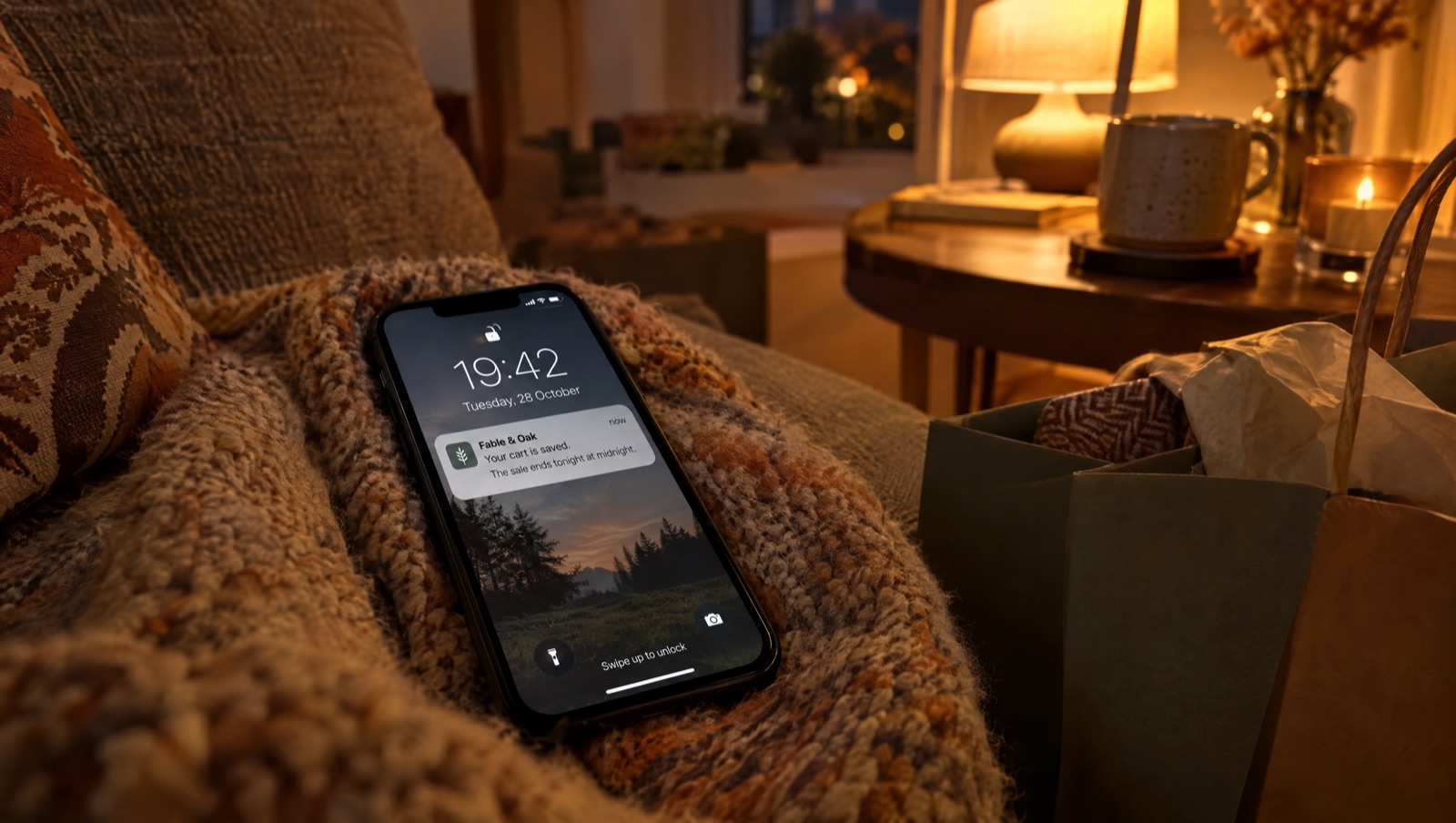
The usual recovery schedule can land after a four-day sale ends. Anchor the last message to the deadline and reopen the exact cart.
Read the guide →
Run hourly drops with scheduled links, purchase limits and a countdown that ends when the offer does, so nobody edits the theme at midnight.
Read the playbook →
Gift buyers want the choice made for them. A bundle link puts a discounted gift set in the cart, with an options page for size and colour.
Read the playbook →
Give each creator a code on one cart link. It loads their picks, applies the discount and tags orders creator-<code> so you can see revenue per creator.
Read the playbook →
Gift card holders and resolution shoppers are still buying after Christmas. Reuse your BFCM presets, add reorder links and keep January selling.
Read the playbook →Install Cart Rocket, build your first preset, and send your next campaign straight to checkout.
 Cart Rocket