 Cart Rocket
Track Influencer Sales Without Relying on Discount Codes
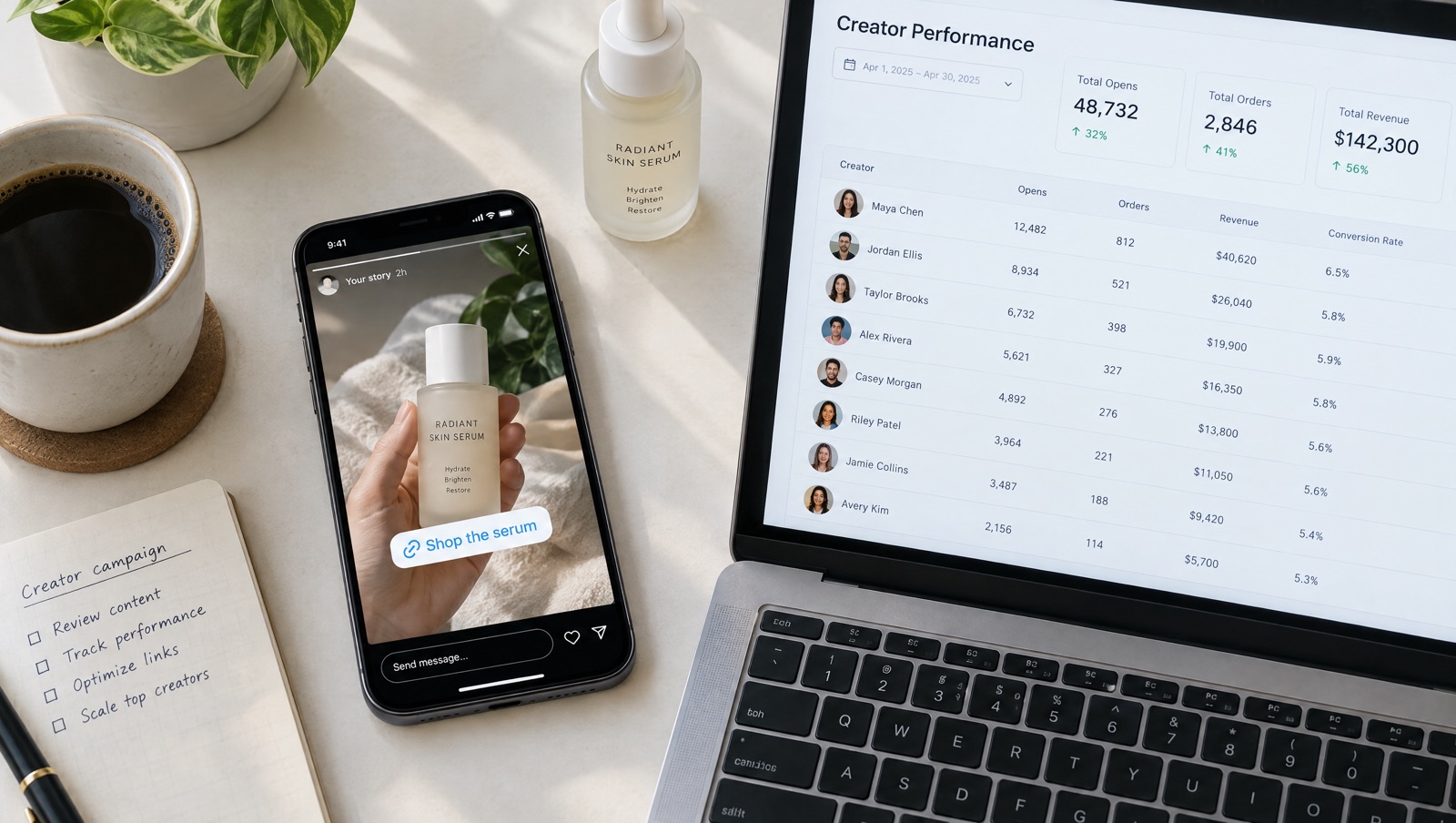
Paying creators on discount code redemptions is simple to set up and hard to trust. A code can travel far from the creator who posted it, and a follower who forgets it never gets counted. Creator links track the link a follower opened instead of the code they typed.
Why discount codes make poor creator tracking
The usual setup gives each creator a code like MIA15, and at the end of the month you count redemptions. It's quick to launch, and it gets the numbers wrong in both directions.
It undercounts because the code depends on memory. A follower who taps through from a story, browses for ten minutes and reaches checkout without the code gets no discount, and the creator gets no credit, even though they sent the sale.
It overcounts because a code is a short piece of text that anyone can pass on. Once it's posted in a group chat or on a coupon site, or picked up by a browser extension that tries codes at checkout, it gets used by shoppers who never saw the creator's post. Each of those orders still shows up as the creator's redemption, and you pay commission on it.
Codes still have a place. Some followers like typing a name they heard in a video, and a code is easy to read out loud. It's a weak thing to base creator pay on by itself, though.
Track the link instead of the code
A Cart Rocket cart link loads the products and applies the discount when it opens, so the follower doesn't type anything. Creator links add one more part: each creator gets their own version of the same cart link with a code on the end.
https://your-store.com/apps/cart/summer-kit?ref=miaFor every creator link:
- Orders through it are tagged in Shopify with
creator-miaby default, or with a tag you choose. - Analytics has a Creators tab with opens, orders and revenue for each creator code.
- The discount is set on the cart link, so you can use a Cart Rocket cart-wide or line-item discount with no code at all.
Tags are only added when the cart came from a Cart Rocket link, and tags copied or faked by hand are ignored. The cart and its discounts are built on the server, so editing the link's URL can't change its items or discounts.
Set it up
- Click Create cart and pick the Influencer template. It fills in UTMs, the order tag
creator, a 10% cart discount and an empty Creators list. Change the discount to suit your offer. - In Products, add what the creators will show on camera. If they'll show several shades or sizes, turn on the options page before checkout and tick Let shoppers choose size/colour on those products.
- In Creators, click Add creator. Enter a Name (only you see it) and a Code, using lowercase letters, numbers and hyphens, up to 40 characters.
- Leave Order tag (optional) as
creator-<code>, or enter your own tag. - Save, then copy each creator's link or QR code from the Their link column and send it to them.
Creators on one cart link share its products and discount. If one creator needs different picks or a bigger discount, give them a separate cart link. Creator drops for the holidays covers when to split.
Links can be shared too
A link can be forwarded just like a code. The difference is in attribution. An order through Mia's link was placed by someone who opened Mia's link, whether she posted it or a follower passed it on. That's a better basis for commission than a code that anyone may have typed.
If you want to control who can use the offer as well, add limits under Advanced:
- Purchase limits cap total purchases across all customers, or purchases per customer. A per-customer limit only works when the shopper is logged in. See Purchase limits.
- Active dates stop the link at an end time, in UTC. After that, shoppers are sent to the product or home page with a short notice. See Active dates.
- Customer rules can limit the link to Shopify customer segments or specific customers, which suits a creator's close-friends or subscriber offer more than a public post. Logged-out shoppers are asked to log in first. See Customer rules.
- Lock offer cart means checkout only goes through with exactly the products and quantities you built, so a changed cart can't be paid for at the offer price. It doesn't stop the link being shared. Carts with bundles can't be locked. See Lock offer cart.
One thing to watch if you auto-apply a Shopify discount code on the link: that code still exists in Shopify, so anyone who learns it can type it at checkout. For a creator offer you want to keep on the link, a Cart Rocket discount avoids that. If you do use a code for the offer price on a locked cart, Cart Rocket's docs suggest limiting it in Shopify to the offer's products.
Use the order tags
Because each creator's orders carry their own tag, you can filter them in your Shopify admin and use them in Shopify Flow. Cart Rocket adds tags shortly after the order is created, so start those workflows from the Order tags added trigger. A simple one tells whoever manages Mia when an order tagged creator-mia comes in. See Automations.
If you send creators free product, the docs describe a neat way to do it with the same tool: put the gift in a cart link, give each product a 100% item discount, and send the creator the link so they enter their own shipping address at checkout.
Paying creators from the numbers
At the end of a campaign, open Creators in Analytics for the date range and compare creators on orders and revenue, and on orders per open. A creator with lots of opens and few orders may have sent the right audience to the wrong products, so try a different set before you drop them. Analytics counts totals per day, cart, campaign and creator, and doesn't keep shopper-level history.
UTMs are the other way to track creators, with a utm_campaign per creator and results under Campaigns. That makes sense when each creator has their own cart link anyway. When they share one, the tracking docs point to creator links as the simpler choice, since the orders are tagged for you.
If you also need commissions and payouts, see Cart Rocket creator links vs affiliate apps.
Try it on your store
Cart Rocket builds pre-loaded cart links for Shopify with automatic discounts, bundles, an options page with a countdown, order tags, UTM tracking and QR codes. Basic is $9/month for one cart link with every feature; Pro is $15/month for unlimited links. Both start with a 7-day free trial.
Install Cart Rocket →