 Cart Rocket
How to Put a Subscription Product in a Shopify Cart Link
Shopify's cart permalinks can fill a cart from a URL, but they can't add a product on a subscription plan. If you want a "subscribe and save" button in an email or a QR code on the box that starts a subscription, this post covers what Shopify supports natively, the workaround merchants pass around, and how to do it with a Cart Rocket link.
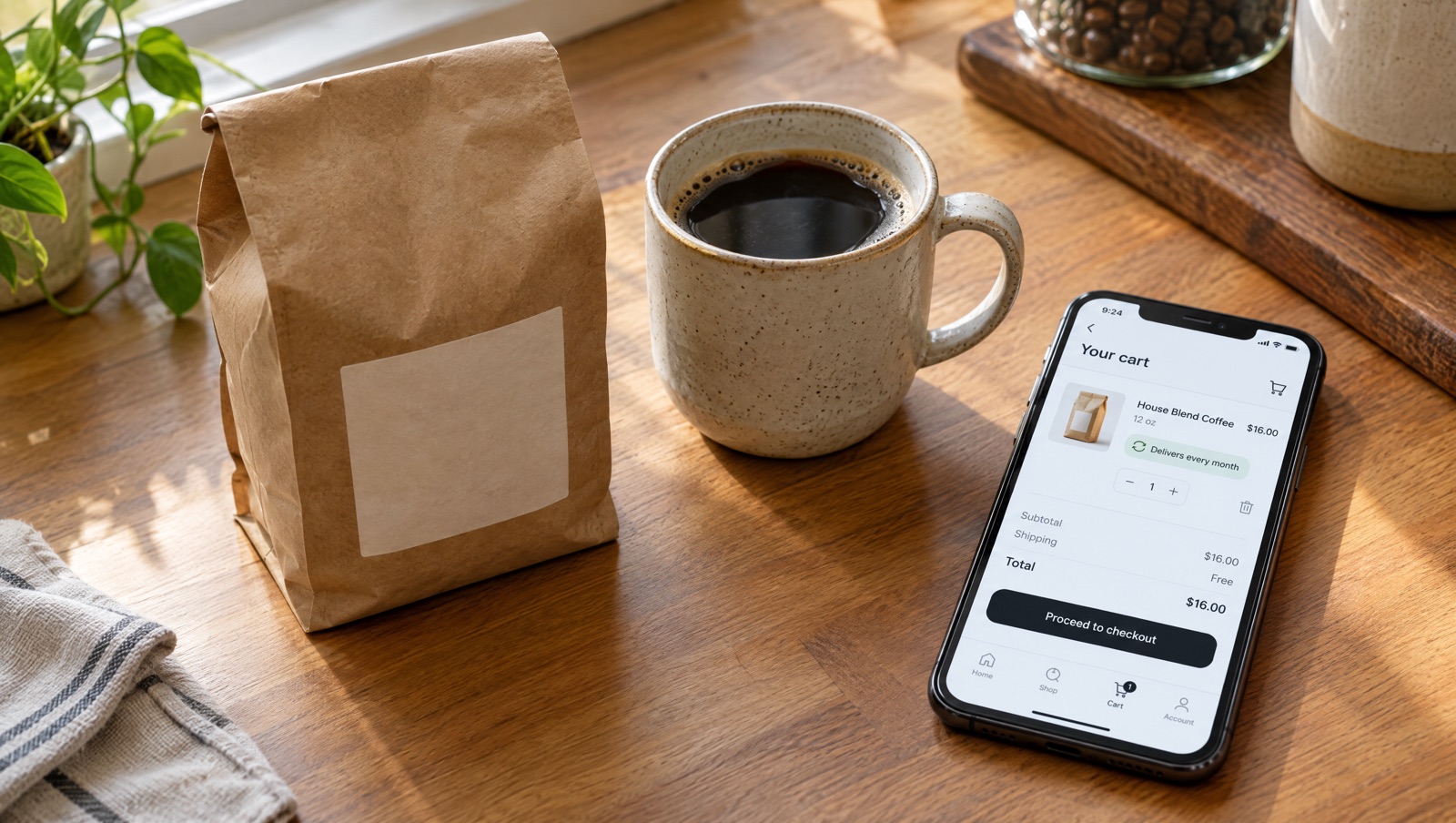
What Shopify's cart permalinks can't do
A cart permalink is a URL like /cart/70881412:1,70881382:1 that lists variant IDs and quantities. Shopify builds the cart and opens checkout. It's free and works in every store, and for a one-time purchase it's often all you need.
Subscriptions are the exception. In Shopify's developer docs on creating cart permalinks, the limitations list says plainly: "Selling plans don't work with cart permalinks." A selling plan is what Shopify calls a subscription option, such as "deliver every month, save 10%". A permalink can put the product in the cart, but only as a one-time purchase.
Merchants keep asking for it
The question comes up regularly. One thread in the Shopify Community, Pre-load cart with subscription plan products using permalinks, started in February 2021 with a merchant asking whether a permalink could carry a plan ID as well as a variant ID.
The answer in that thread skips permalinks altogether. It chains Shopify's storefront cart URLs: /cart/clear empties the cart, a return_to parameter forwards to /cart/add with items[][id], items[][quantity] and items[][selling_plan] for each product, and from there the shopper goes on to checkout. Several merchants in the thread said it worked for them. It also means looking up selling plan IDs by hand, URL-encoding a nested link and rebuilding it whenever a plan changes. Later in the thread someone asks whether the method is officially documented or could stop working, and that question isn't answered on the first page.
If you're happy to maintain that URL, it works. With Cart Rocket you pick the plan from a menu instead.
Add a subscription product to a Cart Rocket link
A Cart Rocket cart link can add a product on one of its subscription plans. The product needs to have subscription plans in your store already.
- Open a cart in Cart Rocket, or click Create cart to start a new one.
- In Products, click Add product and choose a product that has subscription plans in your store.
- Under that product, open the Purchase option menu. Choose the subscription plan you want, or leave it on One-time purchase.
- Save the cart, then copy the link from Cart link at the top of the right column.
Shoppers who open the link get that product on the plan you chose. You don't need to look up any IDs or build a nested URL.
Docs: Subscriptions.
Where to use a subscription link
"Subscribe and save" emails
Send it to customers who have bought the same product more than once. The button opens checkout with the product already on the plan, so nobody has to find the subscription option on the product page.
QR codes on packaging
Click QR code under Cart link to download a high-resolution PNG and print it on the box or an insert. Someone who has just finished their first bag can scan it and start the subscription from their phone. Since scans happen on a phone, the docs suggest considering Shop Pay checkout for QR codes, which you'll find under Advanced in Checkout options.
Ads and SMS
A cart link is a short link on your store's own domain, so it fits in a text message. Add UTM parameters in Tracking and you can compare which channel brings in subscription orders in Analytics.
Before you send it
- Open the link yourself with Open under Cart link and check that checkout shows the plan you picked.
- If you plan to add a discount to the same link, test the combination with your subscription app's own pricing before sending it to customers. Cart Rocket's docs cover the purchase option itself and don't list how each subscription app's discounts stack with cart link discounts.
- To tag these orders so you can find them later, turn on Tag orders in Tracking with a tag like
subscribe-email. See Tag orders.
For a side-by-side look at what permalinks and Cart Rocket links each do, see Shopify cart permalinks vs Cart Rocket.
Try it on your store
Cart Rocket builds pre-loaded cart links for Shopify with automatic discounts, bundles, subscription products, an options page with a countdown, order tags, UTM tracking and QR codes. Basic is $9/month for one cart link with every feature; Pro is $15/month for unlimited links. Both start with a 7-day free trial.
Install Cart Rocket →